
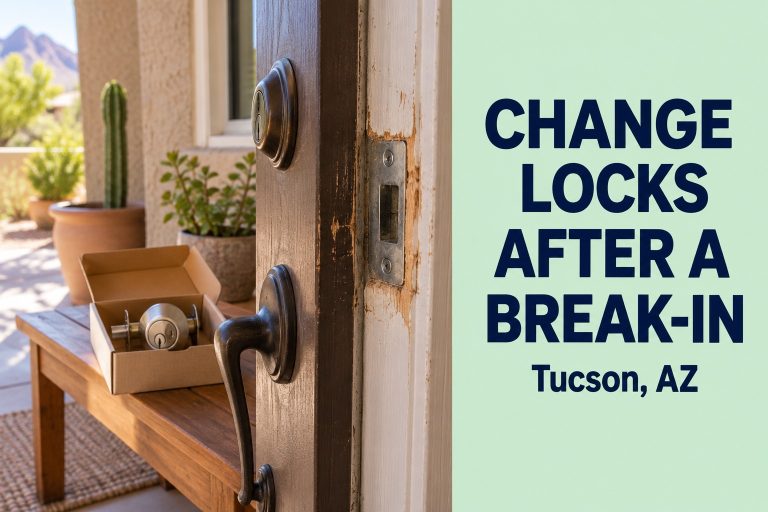
Change Locks After a Break-In: Tucson Homeowner Steps
Change locks after a break-in to secure your Tucson home fast: what to check first, rekey vs. replace, door...
Read Article →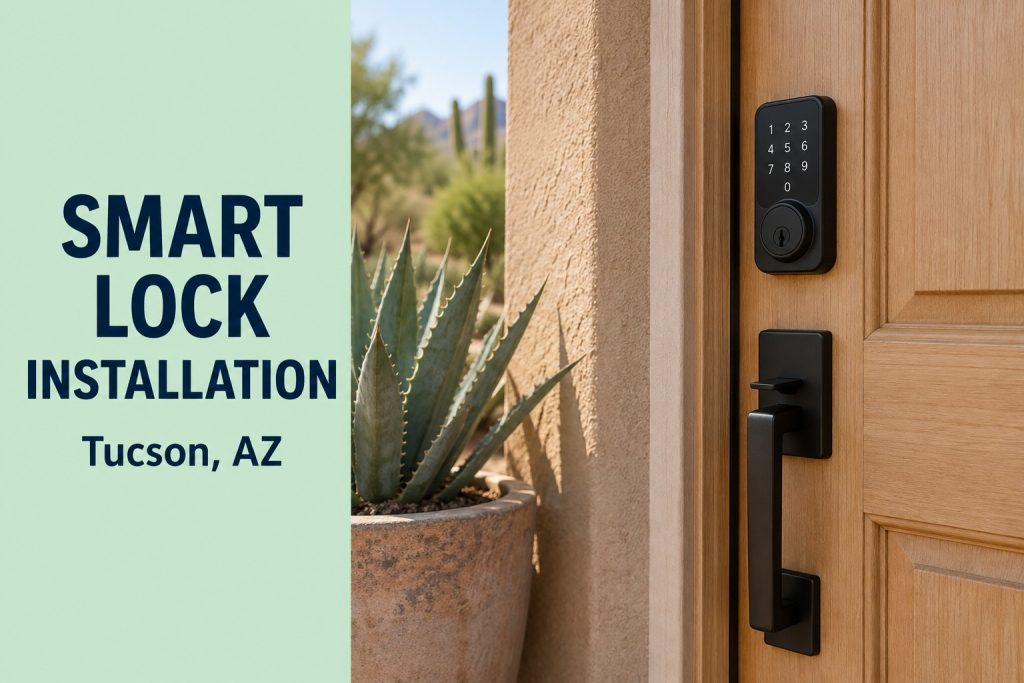
Quick answer: For most homes, a keypad deadbolt is the simplest and most reliable choice, while Wi-Fi smart locks add remote access and activity logs. Professional smart lock installation in Tucson makes sure the door is aligned, the bolt throws fully, and the lock is rated to handle desert heat. Call (520) 277-2128.
Smart locks have gone from novelty to normal. Parents like knowing when the kids get home, Airbnb hosts love changing codes between guests, and nobody misses digging for keys with full grocery bags. But not every smart lock fits every door, and Tucson’s heat and sun can be hard on electronics. This guide compares keypad and Wi-Fi models, explains what really matters for a lasting install and shows how our keypad lock installation service gets it right the first time.
“Smart lock” covers a wide range of products. Before you schedule smart lock installation in Tucson, it helps to know the main types:
| Type | Best for | Things to know |
|---|---|---|
| Keypad deadbolt | Families, simple keyless entry | No app needed, very reliable |
| Bluetooth smart lock | Phone unlock at the door | Short range, no remote access |
| Wi-Fi smart lock | Remote access, rentals | Uses more battery, needs good signal |
| Retrofit smart lock | Renters, keep existing key | Mounts inside over current deadbolt |
| Smart lever or handle set | Front entry with matching style | Check door prep and backset |
For most homeowners planning smart lock installation in Tucson, a quality keypad deadbolt delivers 90% of the benefits with the fewest problems. If you want to unlock the door for a delivery while you are at work, a Wi-Fi model is worth the extra setup.
Many smart lock complaints are not about the lock at all. They are about the door. Motors in smart deadbolts are small, and if the bolt rubs against the strike plate, the lock jams, drains batteries or reports errors. Here is what a pro install covers that a quick DIY job often misses:
We help you pick a model that fits your door, your phone and your budget, and we flag models with poor heat ratings.
We check hinges, gaps, the frame and the existing bore holes.
The old hardware comes out cleanly. If it is in good shape, you can keep it for a shed or side door.
We adjust the strike, tighten hinges and correct any rubbing before mounting the new lock.
The exterior keypad, interior unit and cables are installed so nothing is pinched.
We help set master and user codes, auto-lock timing and app connection.
We test codes, the key override, auto-lock and the bolt with the door open and closed.
Book Smart Lock Installation in Tucson
Tell us your door type and the lock you like, and we will give you a clear quote.
Tucson summers are a real test for electronics. West-facing front doors can see surface temperatures far above the air temperature, and direct sun can fade keypads and shorten battery life. When planning smart lock installation in Tucson, keep these points in mind:
We do not list one flat price online, because every door and every lock is different. When you call, we explain the factors that shape the quote for smart lock installation in Tucson before we schedule the visit:
Upgrading the strike plate and screws is one of the best values in home security, and it costs little compared to the lock itself.
Once your smart lock installation in Tucson is complete, a little care keeps it running for years. Change batteries every six to twelve months, or sooner on Wi-Fi models. Wipe the keypad with a soft, damp cloth to remove dust instead of using chemical cleaners that can fade the numbers. Every few months, check that the bolt still extends smoothly with the door closed; if it starts to drag, the door may have shifted with seasonal heat and the strike may need a small adjustment. Update the app and firmware when the manufacturer releases patches, and review your user codes so former guests, workers or tenants no longer have access.
A smart lock is still a deadbolt first. Look for an ANSI/BHMA Grade 1 or Grade 2 rating, which measures strength, cycle life and resistance to forced entry. The Builders Hardware Manufacturers Association explains these grades. A strong lock with a weak strike or short screws is still easy to kick in, which is why the frame matters as much as the lock.
Just moved in? Read our guide to rekeying house locks in Tucson, because most smart deadbolts still have a key cylinder that old keys might open.
The front door is the obvious choice, but it is not always the most used entry. In many Tucson homes, the family comes and goes through the garage entry door all day. Adding a keypad there means nobody gets locked out in the garage on a 110°F afternoon. Side gates, casitas and guest houses are other popular spots. Planning smart lock installation in Tucson for two or three doors at once also lets you match finishes and share codes across every entry. Of course, you can also keep it simple with a new doorknob on interior doors.
Tucson is a popular destination for winter visitors, university families and short-term guests. For hosts, smart lock installation in Tucson removes the hassle of key handoffs and lockbox codes. You can create a unique code for each guest, set it to expire at checkout and see when the door was used. Long-term landlords benefit too, since codes can be reset between tenants instead of rekeying every time.
We provide smart lock installation in Tucson homes in Tanque Verde, Catalina Foothills, Sam Hughes, Rita Ranch, Flowing Wells, Drexel Heights and South Tucson. Visit our service areas page for the full list. Prefer traditional hardware? Our lock change service covers standard deadbolts and handle sets.
Most installs take 45 minutes to 1.5 hours, depending on door condition and whether the strike needs adjustment.
Most smart deadbolts fit standard door preps. If your door has an unusual bore or backset, we can modify it cleanly.
Keypad locks are simpler and very reliable. Wi-Fi locks add remote access and activity logs but need more battery power and a good signal.
Quality models do, but check the operating temperature rating and choose weather-sealed, lighter-finish models for sunny doors.
Most smart locks have a key override or external battery terminals so you can still get in.
Yes. We install customer-supplied locks and check them for fit and quality before mounting.
Reputable brands use encryption. Keep the app and firmware updated and use strong account passwords.
We recommend keeping a backup key in a safe place for emergencies and low batteries.
Yes. During smart lock installation in Tucson we help create user codes and connect the app.
If you recently moved in or lost a key, yes. The key cylinder can still be opened by old keys.
More Articles
Change Locks After a Break-In: Tucson Homeowner Steps
Change locks after a break-in to secure your Tucson home fast: what to check first, rekey vs. replace, door...
Read Article →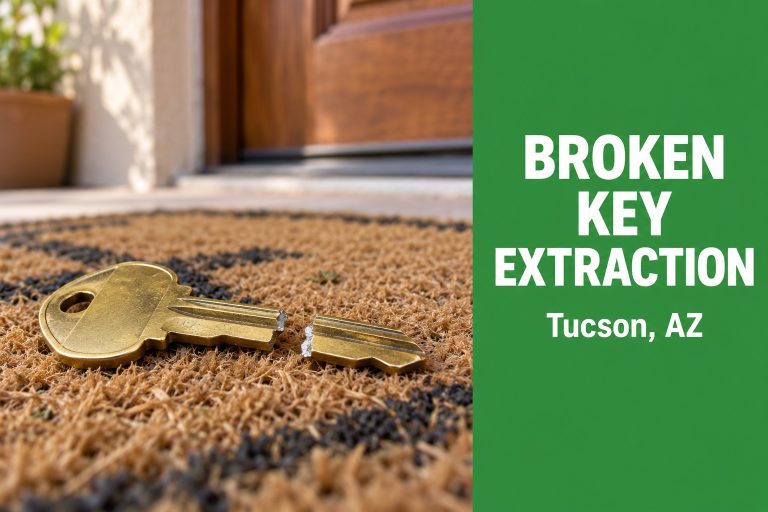
Broken Key Extraction in Tucson: Stuck Key in Door Lock
Broken key extraction in Tucson: why keys snap, what not to do, how a locksmith removes the piece without d...
Read Article →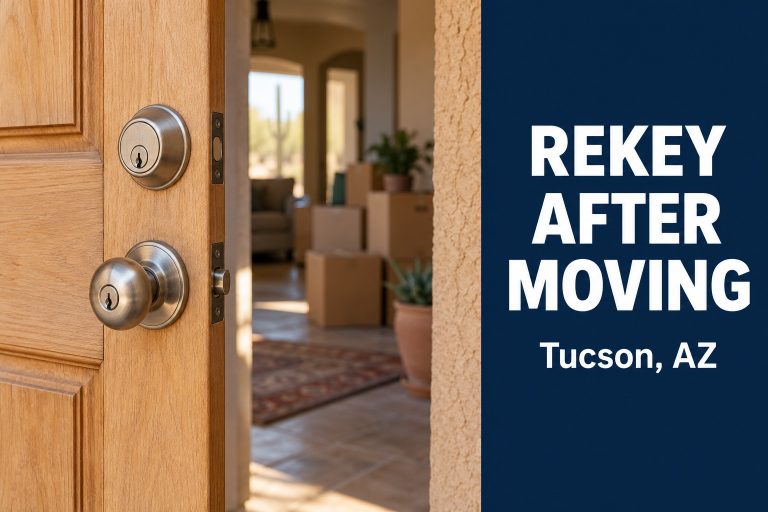
Rekey House Locks in Tucson After Moving: Full Guide
Rekey house locks in Tucson after moving in: why it matters, how rekeying differs from replacing, what affe...
Read Article →